
Download Easy Graphic Converter – Image Format Conversion, Resizing, Custom Settings
Overview
Easy Graphic Converter is a dedicated utility designed to streamline the process of converting image files between various formats. It serves as a practical solution for individuals who regularly work with digital images and require a reliable, no-frills tool to manage format transitions. The app is particularly useful for graphic designers, content creators, and anyone handling image files across different platforms or applications. Its primary function is to enable fast and accurate conversions from formats such as BMP, GIF, JPEG, and PNG, ensuring compatibility with a wide range of software and devices.
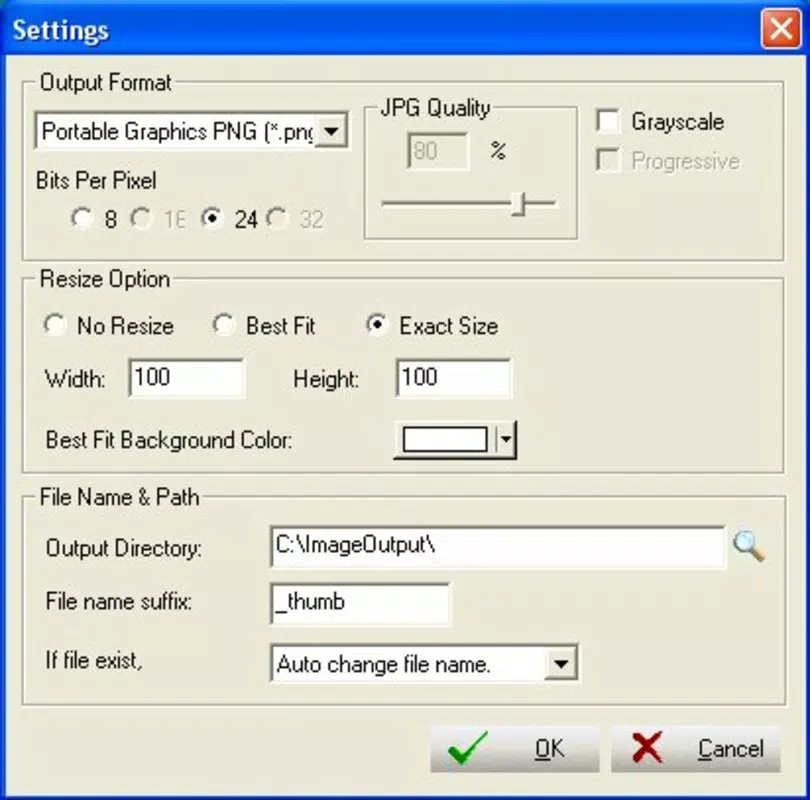
The application addresses common workflow challenges, such as format incompatibility, file size limitations, and the need for consistent image quality across projects. By allowing users to adjust settings like compression, bits per pixel, and grayscale options, Easy Graphic Converter supports tailored output that meets specific project requirements. This level of control is especially valuable when preparing images for web use, print, or social media platforms with strict format and size guidelines.
Although the developer did not provide additional background information, the app’s longevity since its release in 2006 suggests a stable and well-tested foundation. It has likely evolved through iterative updates to maintain compatibility with changing file standards and user needs. Despite its age, the tool remains relevant in the digital workflow ecosystem as a lightweight, focused solution for image conversion tasks.
Key Features & Functionality
- Multiple Format Support: The app supports a broad range of image formats, including BMP, GIF, JPEG, and PNG. This ensures users can convert files regardless of their source format, making it ideal for cross-platform work or legacy file handling.
- Customizable Configuration Options: Users can fine-tune output settings such as bits per pixel, compression levels, and grayscale color depth. These adjustments allow for optimized file size, improved image quality, or compliance with specific platform requirements.
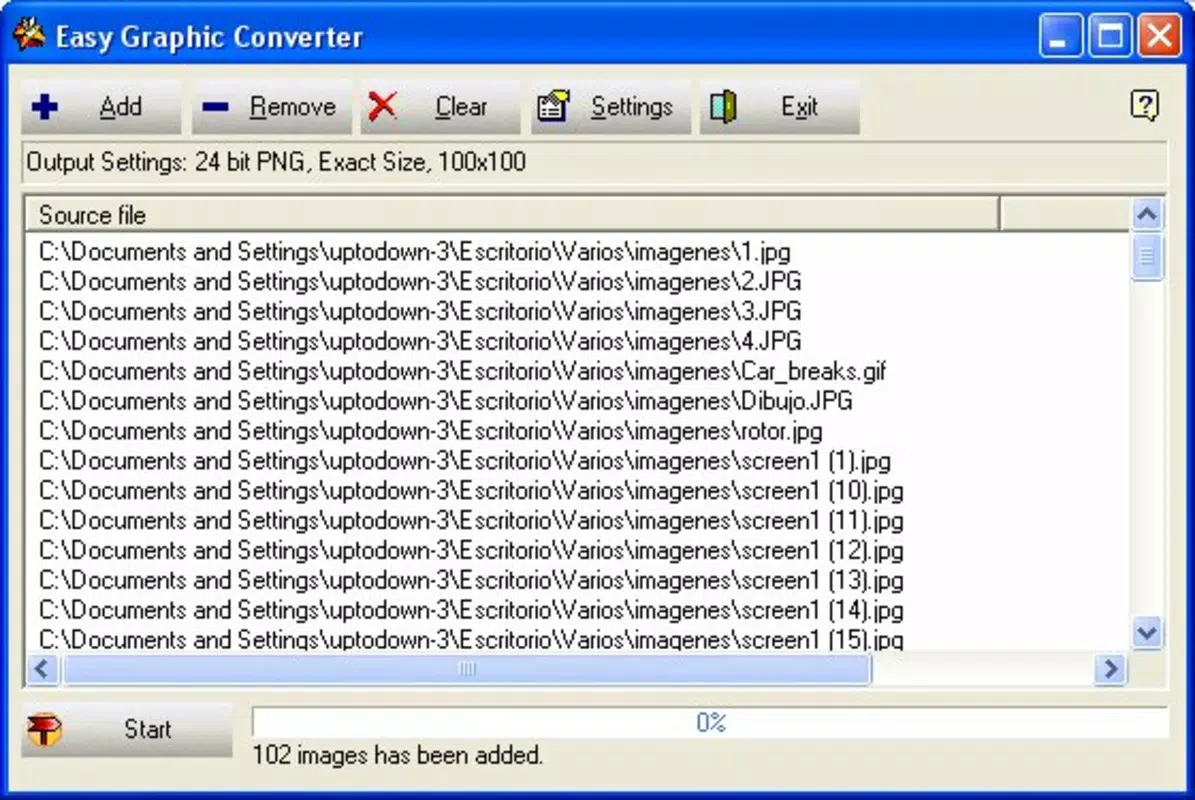
- Simple User Interface: The interface is designed with clarity and ease of use in mind. Users can navigate file selection and settings without technical expertise, reducing the learning curve and enabling quick task execution.
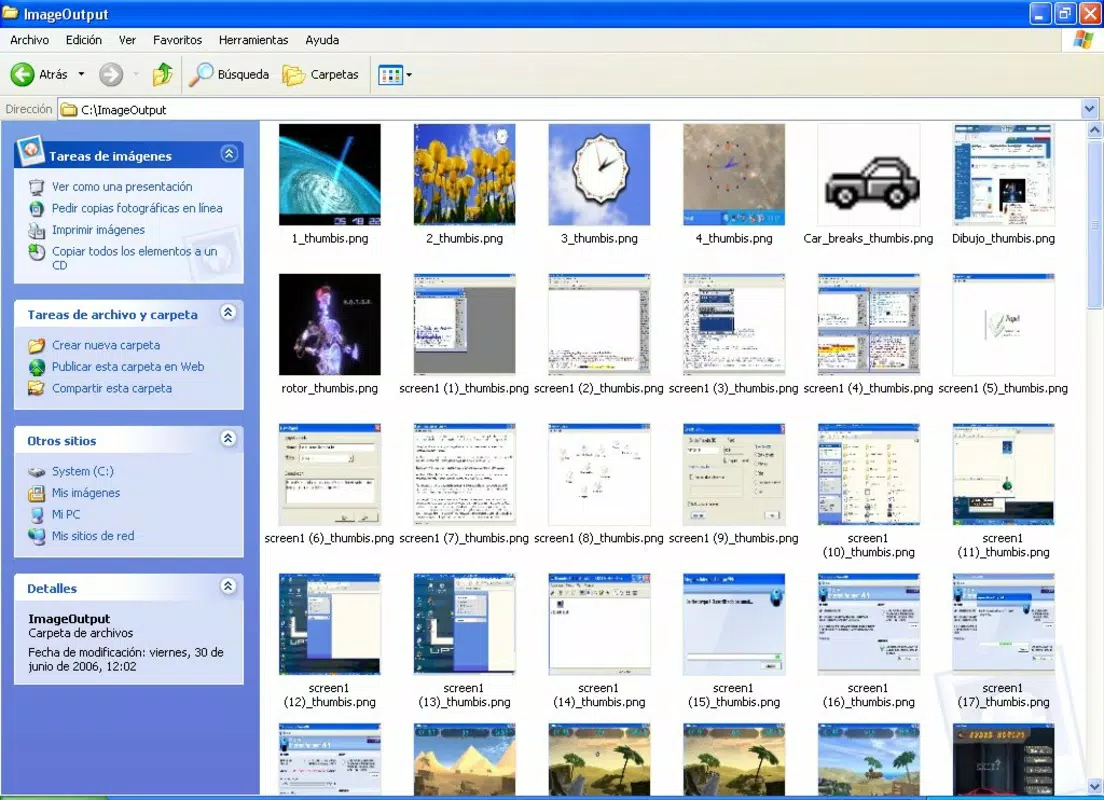
- Image Resizing Capabilities: Beyond format conversion, the app enables users to resize images efficiently. This feature is essential for creating thumbnails, adjusting images for mobile display, or preparing assets for websites and presentations.
- Masking Functions: The ability to apply masks to final output provides creative flexibility. Users can highlight specific areas of an image or create layered effects, enhancing visual presentation and design precision.
For example, a content creator preparing images for a blog might use the app to convert high-resolution JPEGs to compressed PNGs for faster loading, while simultaneously resizing them to fit layout dimensions. Similarly, a designer working on a print project could adjust bits per pixel and apply grayscale settings to meet print specifications. These real-world applications highlight the app’s versatility and practicality in daily workflows.
Interface, UX & Performance
Easy Graphic Converter features a clean, minimalistic interface focused on core functionality. The layout emphasizes file selection and parameter adjustment, with clearly labeled options and intuitive controls. Navigation is straightforward, allowing users to load files or folders and apply settings with minimal clicks. The design avoids clutter, ensuring that users can concentrate on their tasks without distraction.
Although the developer did not list formal performance metrics, the app’s lightweight nature suggests it operates efficiently on a range of devices. It is likely to perform well on both older and modern smartphones, particularly those with standard processing capabilities. Responsiveness appears to be a priority, as the app supports batch processing and quick feedback during conversions.
Stability is implied by the app’s long-standing presence in the digital ecosystem. However, no specific information was provided about crash rates, memory usage, or background operation. Users should expect consistent behavior during typical use, but performance may vary depending on device hardware and file complexity. The app does not appear to require constant internet access, which enhances reliability and privacy during file processing.
Platform Compatibility & Technical Requirements
Easy Graphic Converter is available for Android, though specific OS version requirements were not disclosed. The app’s file size is listed as 3.5 MB, indicating a lightweight footprint suitable for devices with limited storage. This small size contributes to fast installation and minimal impact on device performance.
The developer did not specify minimum OS requirements, making it difficult to determine compatibility with older or newer Android versions. Similarly, no details were provided about hardware specifications or screen resolution support. Users should proceed with caution when installing on devices outside the expected range, especially if the device is significantly older or running a non-standard Android variant.
Despite these gaps, the app’s continued availability suggests ongoing compatibility with current Android environments. For users seeking a simple, offline image conversion tool, the app remains a viable option, particularly given its low resource demands and straightforward functionality.
Pros and Cons
Pros
- Supports multiple image formats including JPEG, PNG, BMP, and GIF
- Offers customizable settings for compression, color depth, and resolution
- Simple, intuitive interface suitable for non-technical users
- Includes image resizing and masking features for enhanced workflow flexibility
- Lightweight file size (3.5 MB) ensures quick installation and low storage use
Cons
- Specific OS version requirements were not listed
- Compatibility with newer Android versions is not confirmed
- No information on batch processing speed or memory consumption
- Developer background and support channels are not publicly available
- Limited visual feedback during long conversion tasks
FAQ
Is Easy Graphic Converter safe to download and install?
The app is designed as a standalone utility and does not require internet access for core functions. It operates locally on the device, reducing security risks. However, users should ensure they download from trusted sources to avoid modified or compromised versions.
Can I convert multiple images at once?
While the app supports file and directory selection, specific details about batch processing were not provided. Based on its functionality, it is likely capable of handling multiple files in sequence, though the exact workflow may depend on the interface design.
Does Easy Graphic Converter require an internet connection?
No, the app functions entirely offline. All conversions and settings adjustments are processed locally on the device, ensuring privacy and consistent performance without relying on network availability.
Is the app available for iOS devices?
Based on the provided information, the app is currently available for Android. No details were given about iOS compatibility or availability on Apple devices.
How often are updates released for Easy Graphic Converter?
The developer has not disclosed update frequency or release schedule. Given the app’s release date in 2006, updates may be infrequent or limited to essential fixes. Users should monitor official sources for any announcements.
Final Thoughts
Easy Graphic Converter remains a dependable tool for users who need a straightforward way to convert and modify image files. Its combination of format support, customization options, and lightweight design makes it a valuable addition to any digital workflow. While it lacks modern polish and detailed technical disclosures, its core functionality is robust and purpose-built.
Individuals working with image files across different platforms—such as bloggers, small business owners, or digital artists—will benefit most from its simplicity and reliability. The app offers a secure, offline solution for common image tasks without the overhead of complex software.
For those seeking a free, efficient utility to handle image conversion, resizing, and basic editing, Easy Graphic Converter delivers consistent value. Its long-standing presence in the ecosystem speaks to its durability and practicality.
Download Easy Graphic Converter now


